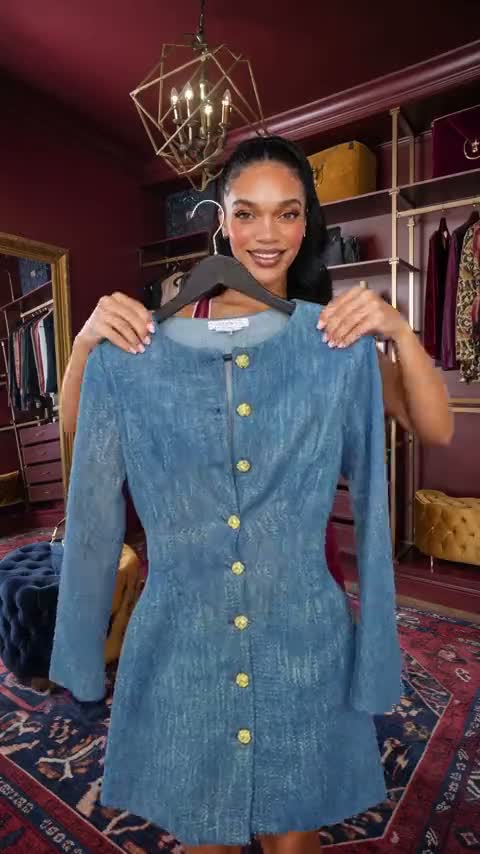
What you can make with it.
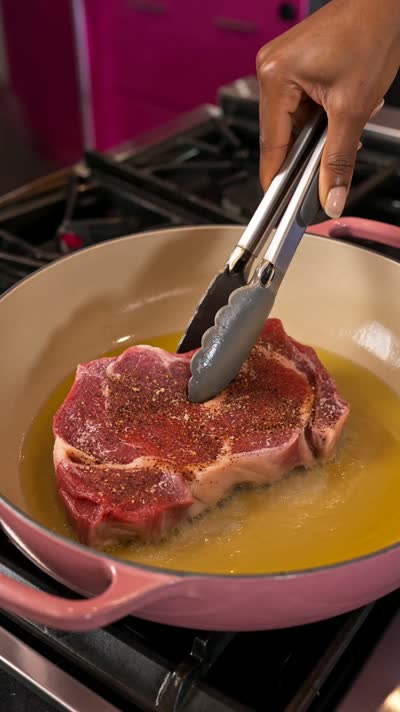
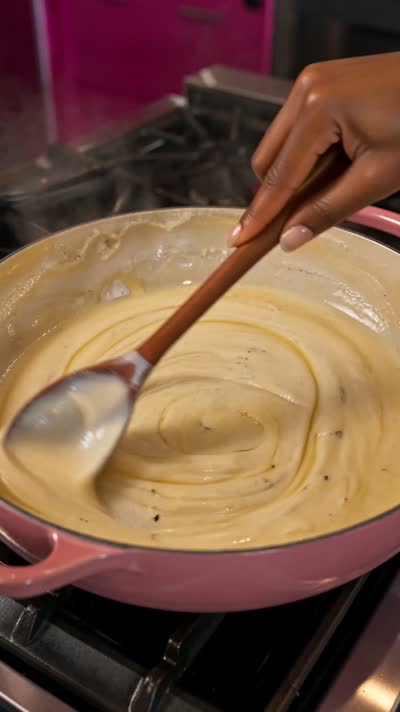
- Recipe reelsMethod, timing and doneness.
- Bakes and drinksPours, rises and finishes.
- Fast ASMRSound planned shot by shot.
- CarouselsStep by step frames for posts.
- Concept listsRanked by hook, texture and payoff.
CineChef plans the recipe and the camera together, so the food looks right at every step.
CineChef is a production planner for AI food video. You bring the dish. It works out the recipe and the camera plan together, keeps the food in the right state, and writes the prompts your video tool needs. It runs in the AI assistant you already use, such as ChatGPT, Claude or Gemini.
Name the dish. The Director works out the method, the food state at each step and the sound, then writes each scene for you to approve before you spend a single credit in your video tool.
This page is an example of one step from a recipe reel.
The instruction set and six reference files, with the method and food state rules. It plans like a food video lead.
The same Director packed as a skill, for assistants that take skill uploads.
The full method, every template and a troubleshooting guide.
Step by step for ChatGPT, Claude and Gemini.
One prompt to paste for a finished example plan in your first five minutes.
One download as soon as you pay. It holds the Director, the skill version, the production manual, the setup guides and the first-run prompt.
Follow the guide for your assistant. It places the Director in a project in ChatGPT, a project in Claude, or a saved workspace in Gemini.
Describe the idea, approve each scene, and take the prompts to Kling or Seedance.
One payment. It is yours to keep, and it runs in the AI assistant you already use, ChatGPT, Claude or Gemini.
Own it for $99 The Complete CollectionStart from a real recipe, split it into steps, and generate each step as its own clip in the right order. CineChef does the splitting: it writes the method, the storyboard and the motion prompt for each step.
Good prompts name the food state, the texture, the camera move and the sound. CineChef writes each of those for every beat, so the food is consistent from raw to plated.
Pick the sound moments first, such as a pour, a cut, a pull or a drizzle, and build the shots around them. CineChef finds the hero texture moments and writes the sound and motion direction.
They are written for Higgsfield, Seedance and Kling, and they are plain text you can adapt.
No. It plans the production and writes the prompts. You make the images and video in the image and video tools you already use.
It runs in the AI assistant you already use, such as ChatGPT, Claude or Gemini, on the plan you already pay for. We do not host it and there is no monthly fee. Check that your plan lets you save instructions and reference files.
It works with all three. Each Director comes with an edition of the instructions and a setup guide for ChatGPT, one for Claude and one for Gemini, all in the same download. You do not choose a version at checkout. You use the edition for the AI assistant you already use.
The kit needs an AI assistant that can save instructions and reference files. We build and test each Director on ChatGPT, Claude and Gemini. On other assistants you can paste the instructions into a chat, but that is not a tested setup.
Yes. The Director is an instructions file plus reference files that you install in your own AI assistant: a project in ChatGPT, a project in Claude or a saved workspace in Gemini. It does not rely on a shared link or a hosted page, which are the parts that stop when a custom GPT is retired.