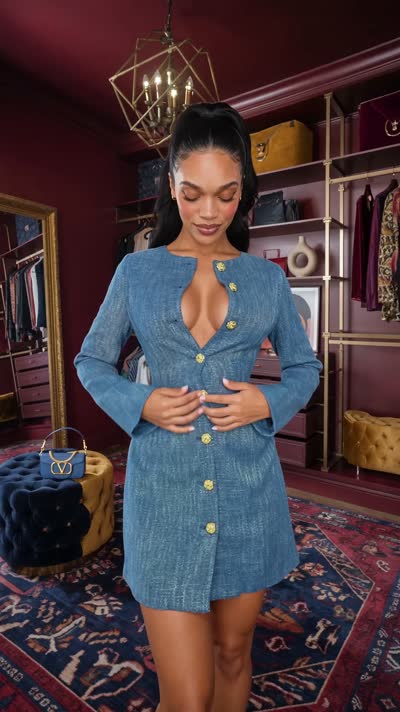
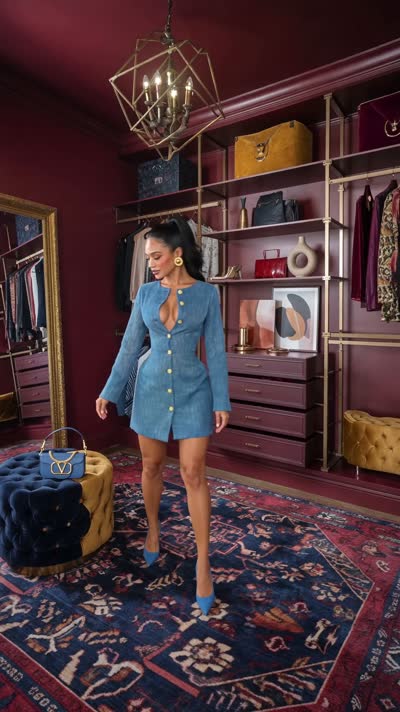
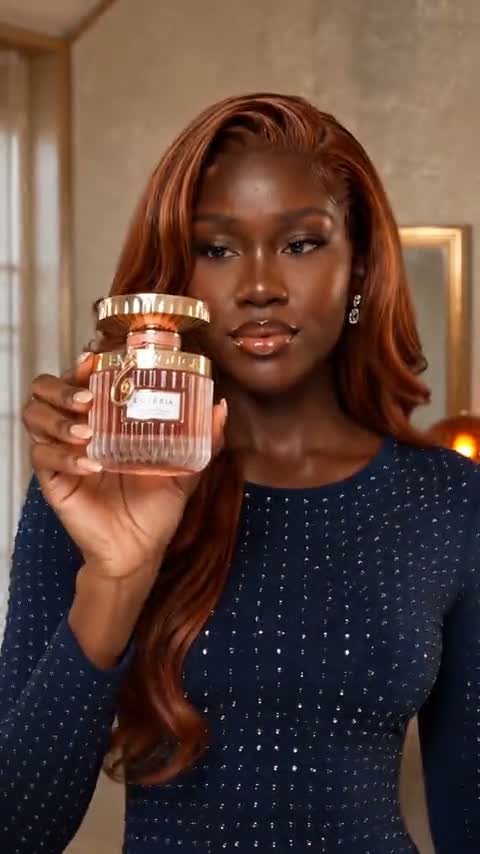
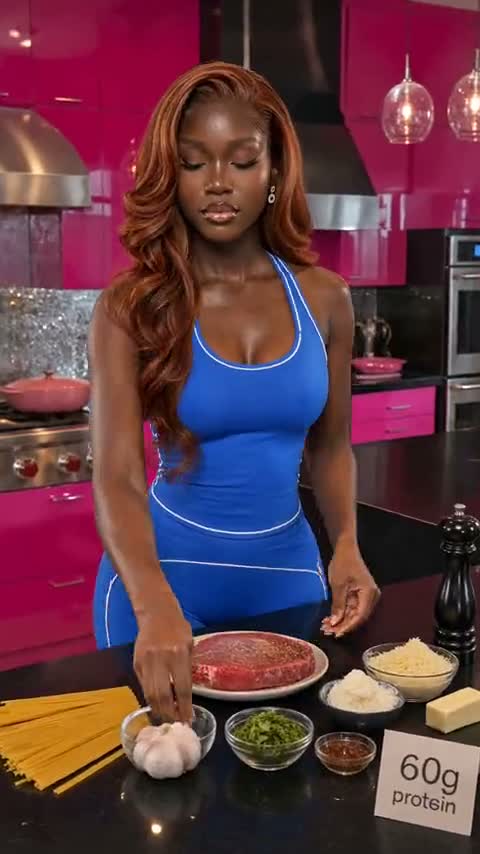
How do I make AI fashion videos?
Choose a format, such as a transition, a haul or an editorial campaign. The Fashion Director asks for your goal, audience and vibe, proposes concepts, then writes scene by scene prompts. You paste those into your image and video tool and approve each step.
What makes good AI fashion video prompts?
A good prompt names the pose, the garment construction, the fabric movement and the camera, and it repeats the details that must not change. The Fashion Director writes that structure for every scene so you do not start from a blank box.
Which video tools do the prompts work with?
They are written for Higgsfield, Seedance and Kling. The prompts are plain text, so you can adapt them to similar tools.
Can it keep the same outfit and face across scenes?
It writes continuity rules for model identity, garment construction, colours, fit and styling into each scene prompt, and the workflow includes a continuity ledger you check before you generate.
Does it make the videos itself?
No. It plans the production and writes the prompts. You make the images and video in the image and video tools you already use.
Do I need a paid AI assistant plan?
It runs in the AI assistant you already use, such as ChatGPT, Claude or Gemini, on the plan you already pay for. We do not host it and there is no monthly fee. Check that your plan lets you save instructions and reference files.
Does it work with Claude and Gemini, or only ChatGPT?
It works with all three. Each Director comes with an edition of the instructions and a setup guide for ChatGPT, one for Claude and one for Gemini, all in the same download. You do not choose a version at checkout. You use the edition for the AI assistant you already use.
What about Copilot, Grok, Perplexity or other AI tools?
The kit needs an AI assistant that can save instructions and reference files. We build and test each Director on ChatGPT, Claude and Gemini. On other assistants you can paste the instructions into a chat, but that is not a tested setup.
Does it still work now that OpenAI is retiring custom GPTs?
Yes. The Director is an instructions file plus reference files that you install in your own AI assistant: a project in ChatGPT, a project in Claude or a saved workspace in Gemini. It does not rely on a shared link or a hosted page, which are the parts that stop when a custom GPT is retired.
A plain explainer, with sourcesRead